01
Top-seller detection
When a dish starts moving faster than normal, Wells spots it, checks inventory, and tells managers whether to push, pause, or prep more.
Wells reads your POS, reservations, labor, menu mix, and guest patterns. Then it tells you what to prep, what to push, who to schedule, and where margin is leaking.
Not another dashboard your GM ignores. A working layer over the systems you already use.
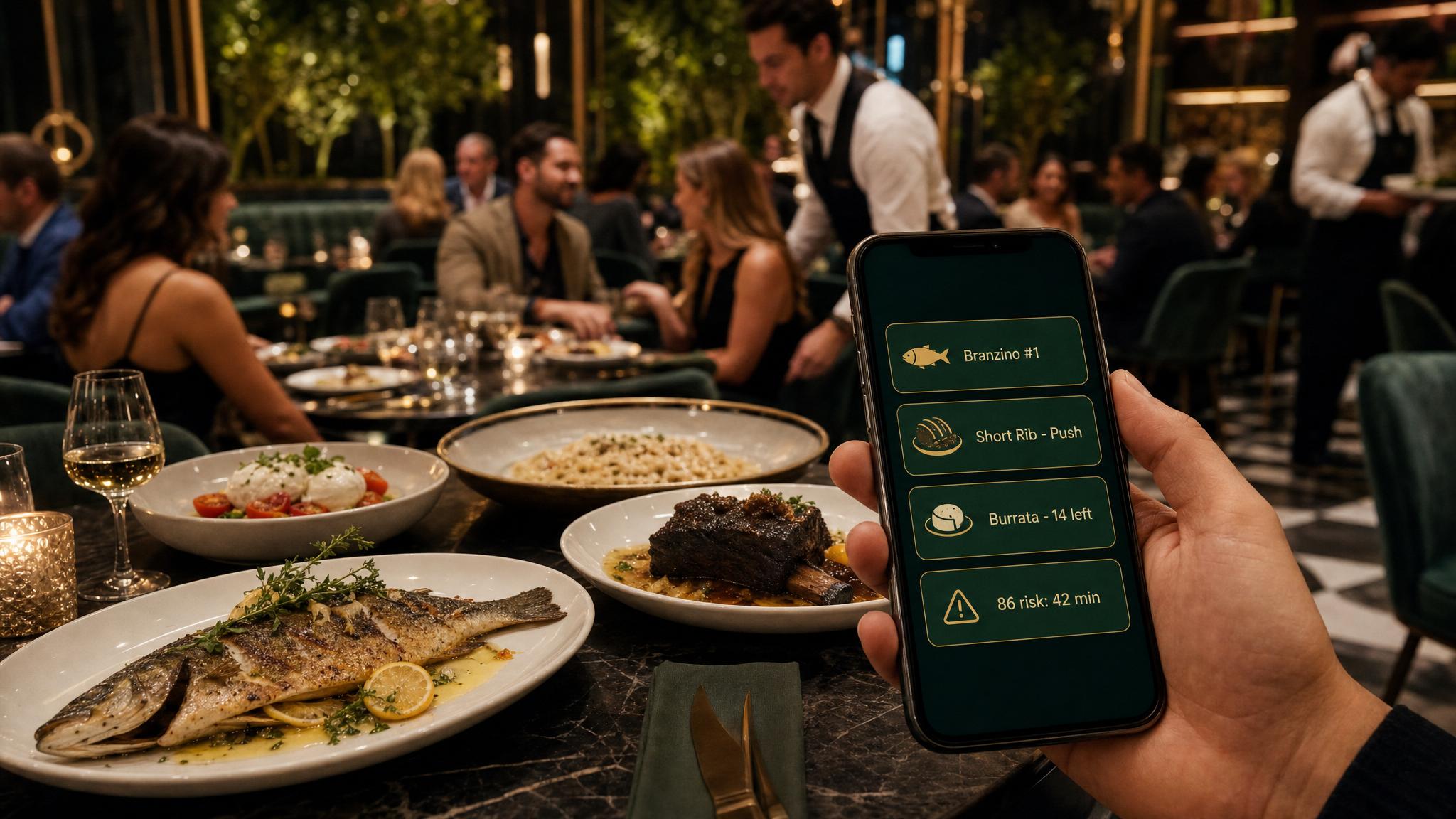
86 risk in 42 minutes. Push lamb instead after 8:15. Keep margin intact without slowing service.
It doesn't just report yesterday. It watches what is happening now and gives the operator a clear move.
When a dish starts moving faster than normal, Wells spots it, checks inventory, and tells managers whether to push, pause, or prep more.
Reservations, weather, walk-in history, and POS curves become a staffing recommendation before FOH is already buried.
Supplier price spikes, slow movers, and high-margin dishes get translated into plain English: change the special, adjust the price, or stop promoting it.
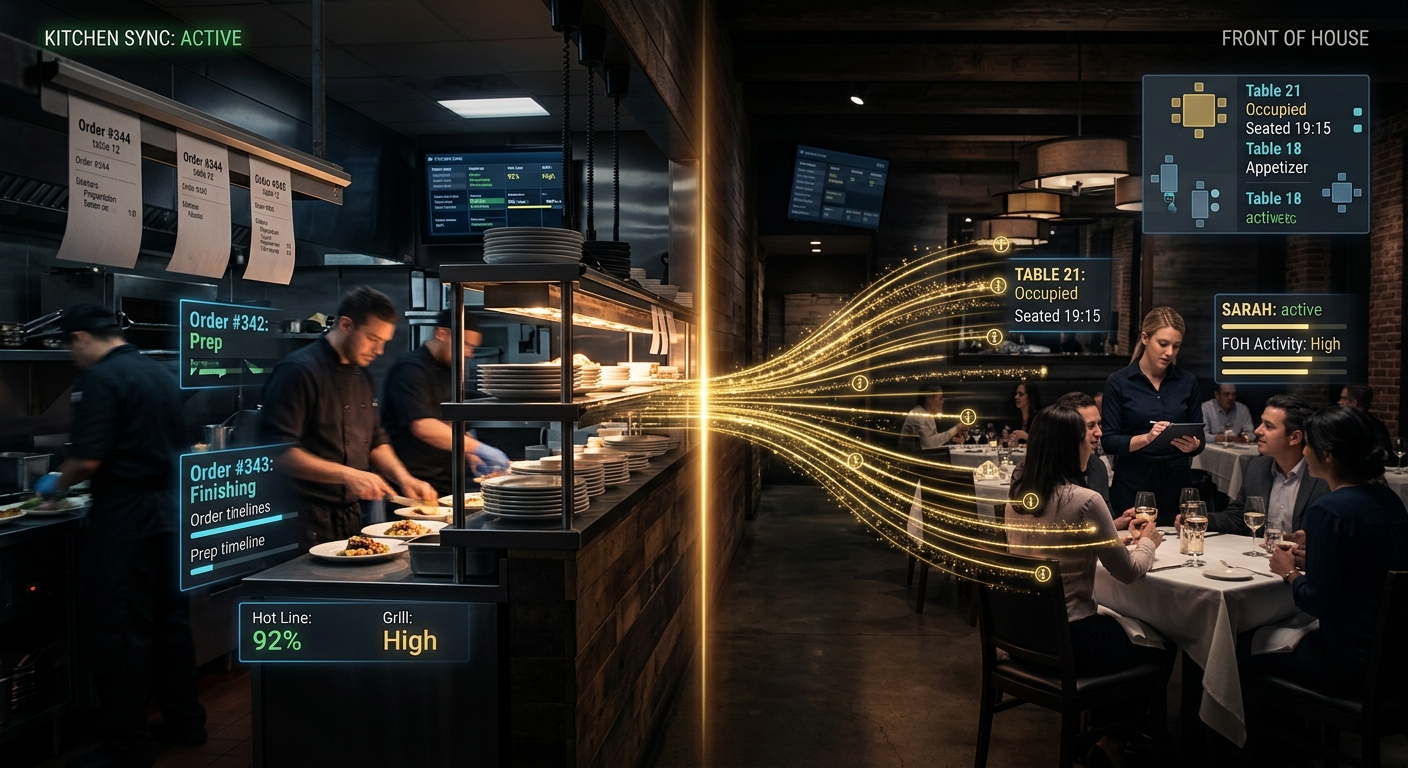
Restaurants don't fail because the owner lacks data. They fail because the data is scattered across Toast, Resy, spreadsheets, scheduling tools, invoices, and group chats.
Branzino is outpacing forecast. Short rib has better margin and enough prep. Tell servers to feature short rib after the first turn.
Reservation density and weather suggest 18% more walk-ins than a normal Friday. Add one runner and one expo.
Beef supplier increased 12%. Wells flags ribeye margin erosion and drafts a menu/pricing recommendation.
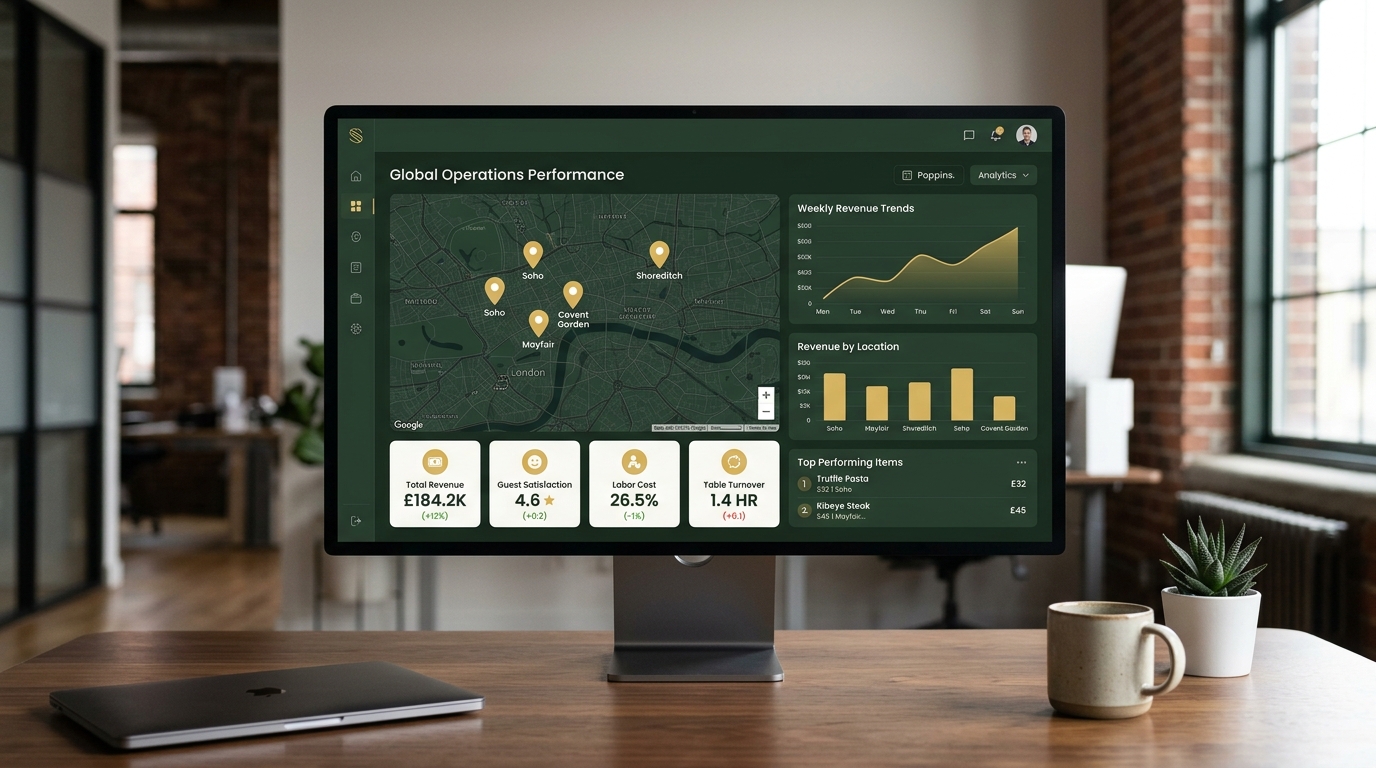
The desktop view is there when you want the full board. The mobile view is the point: short, direct, and useful while you're walking the floor.
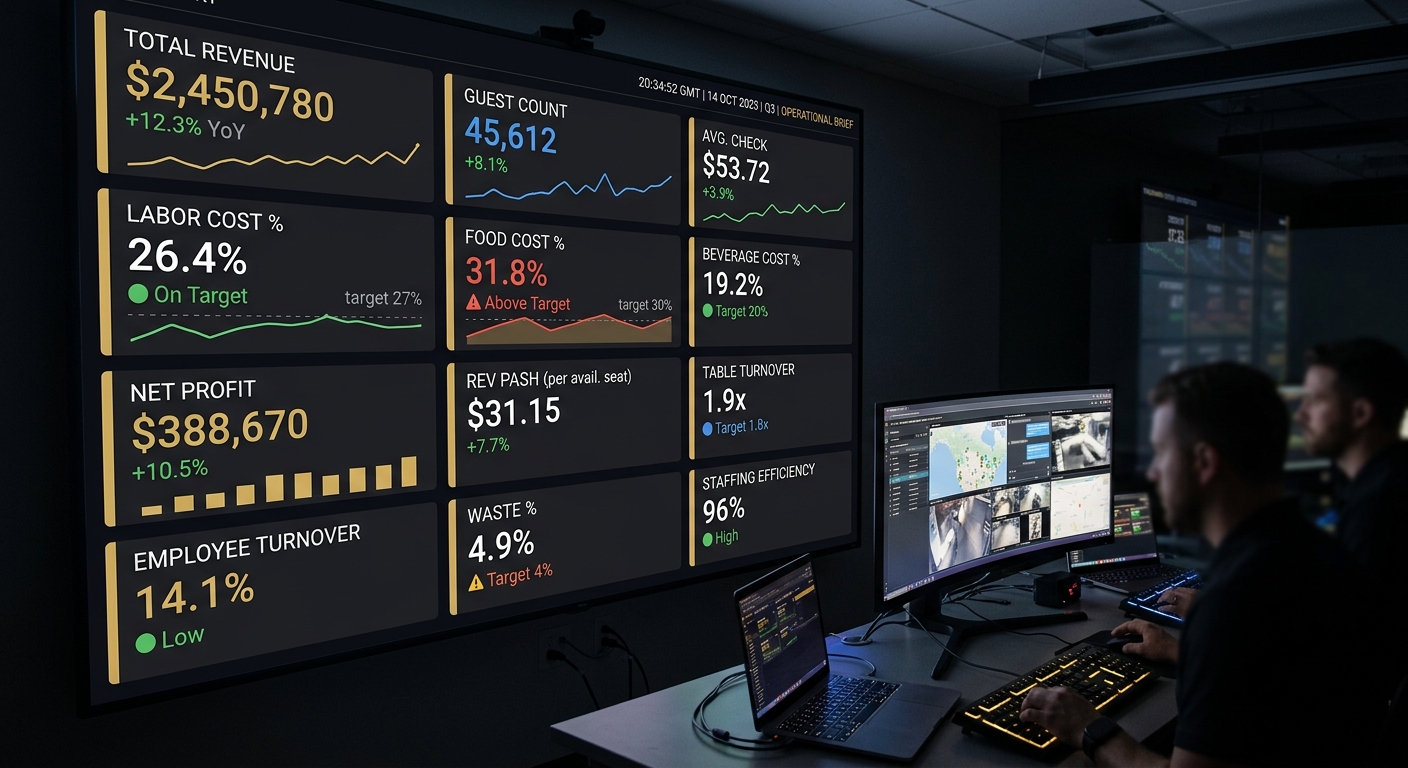
We connect the data sources you already use, identify the top operating leaks, and show the first set of recommendations. No POS replacement. No hardware project.
Booking integration is still a placeholder. For now, send the restaurant name, POS, and number of locations. We'll map the first week of recommendations.